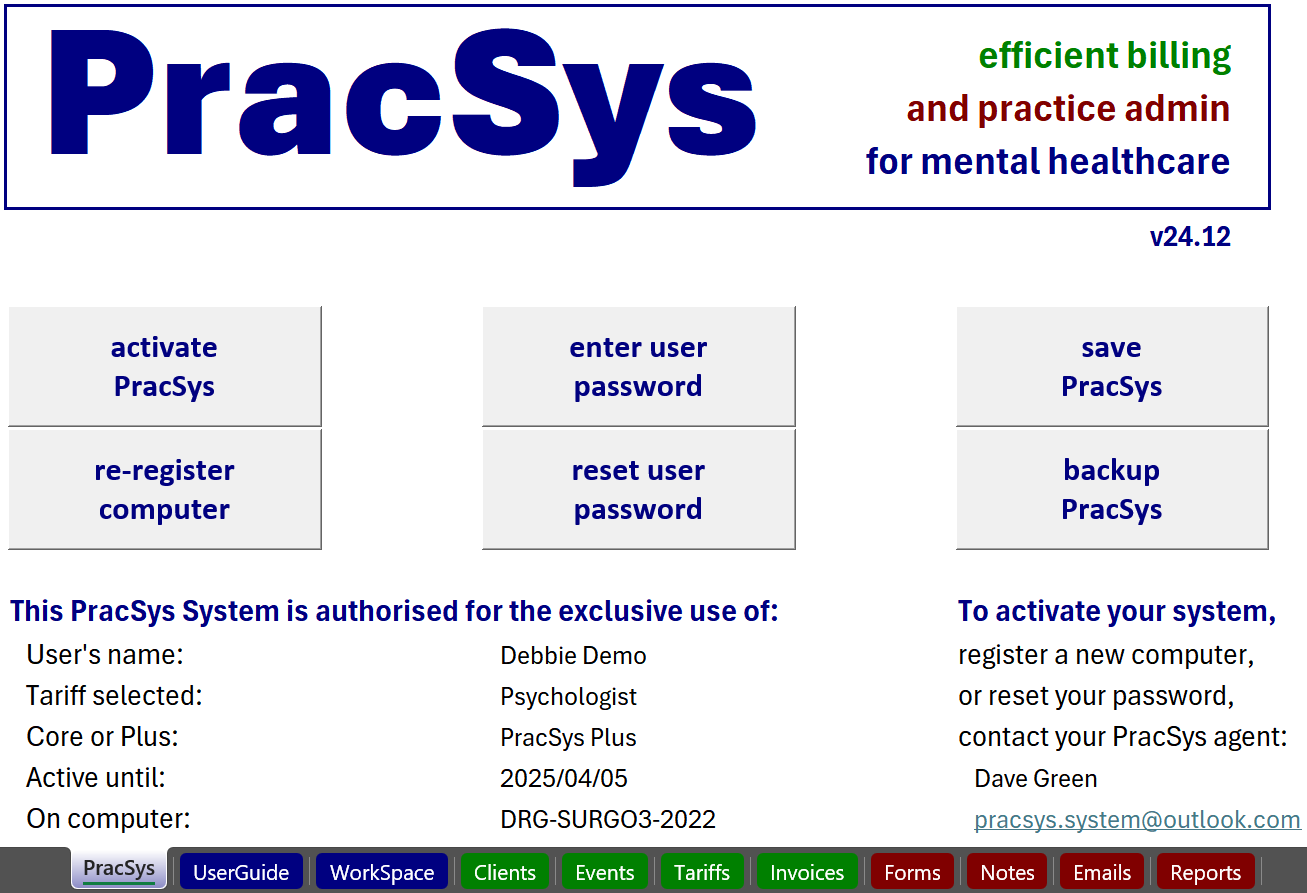
1. Opening screen, with controls, details, and worksheet tabs
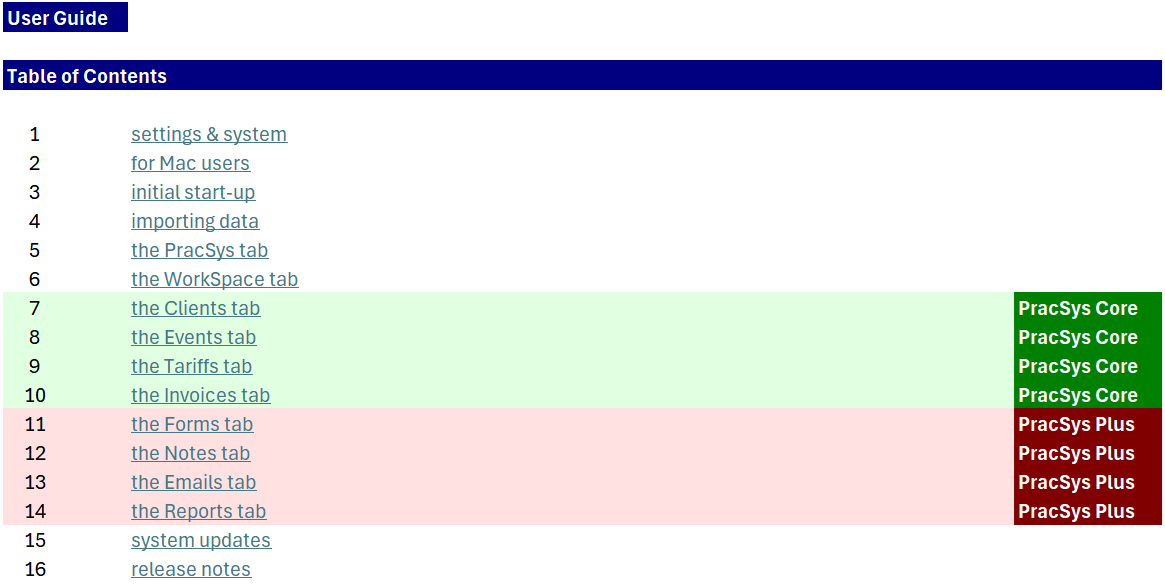
2. UserGuide contents, with general, Core, and Plus headings
3. Clients database, with controls, and groups of data fields

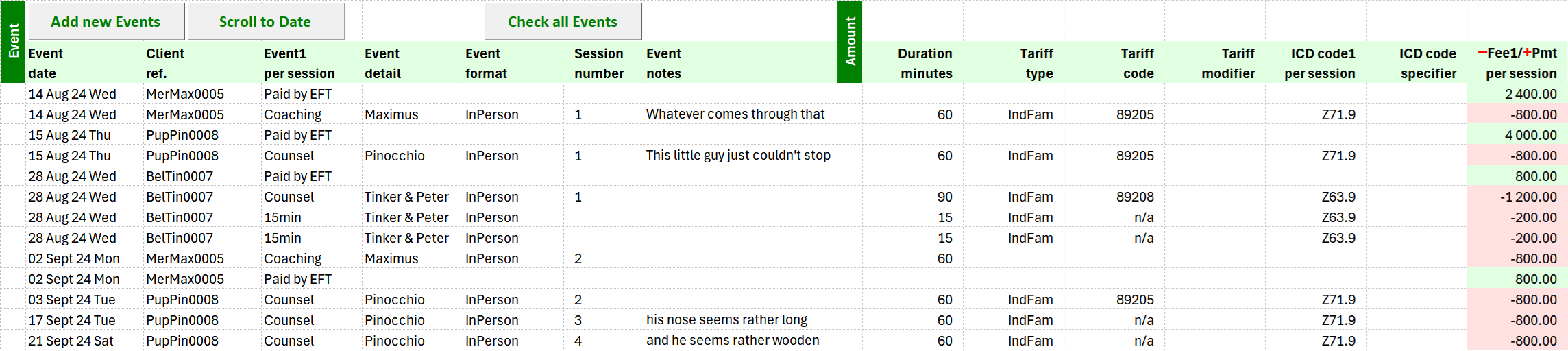
4. Events database, with controls, and groups of data fields
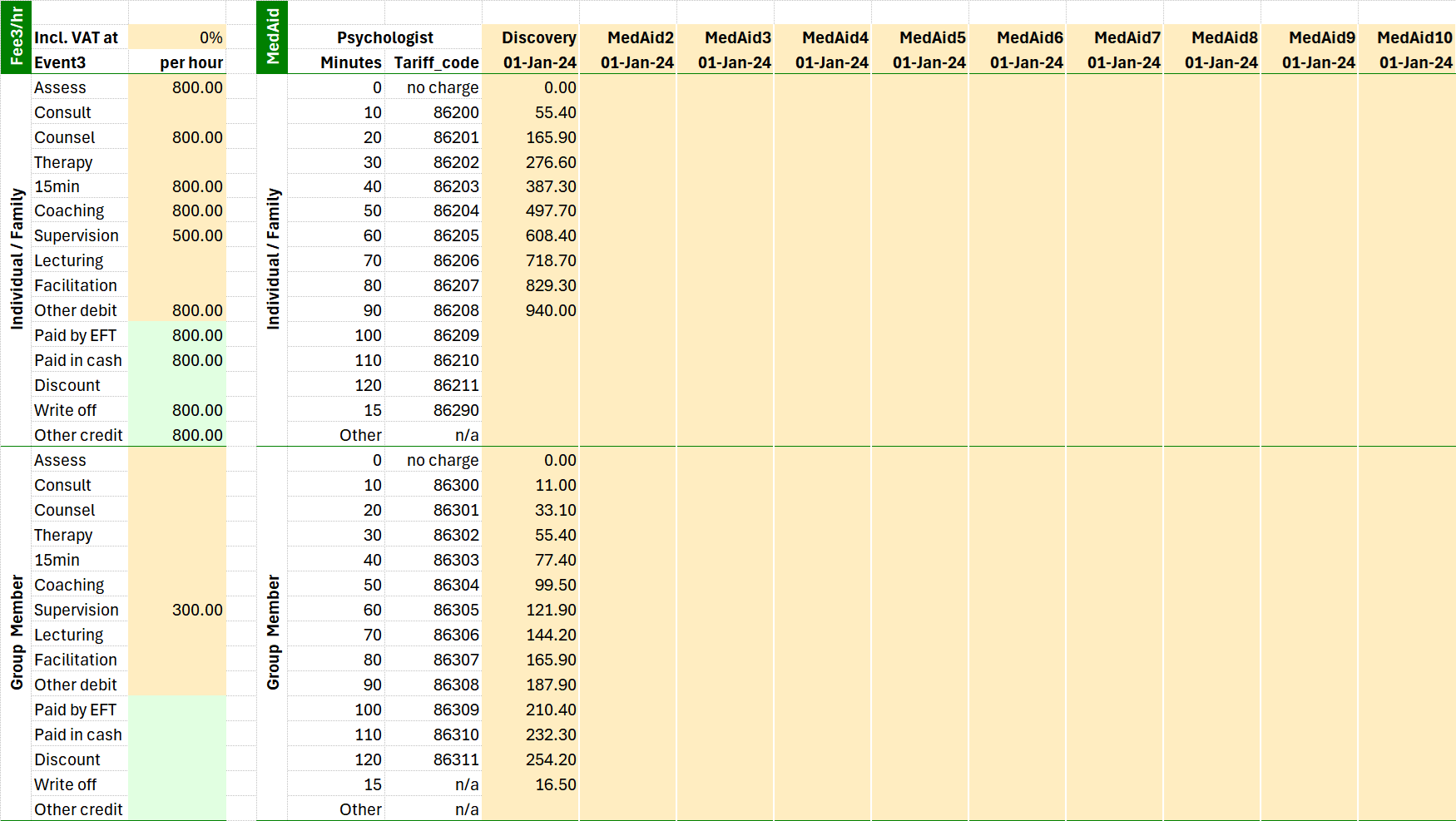
5. Tariffs database, with personal, and medical aid amounts
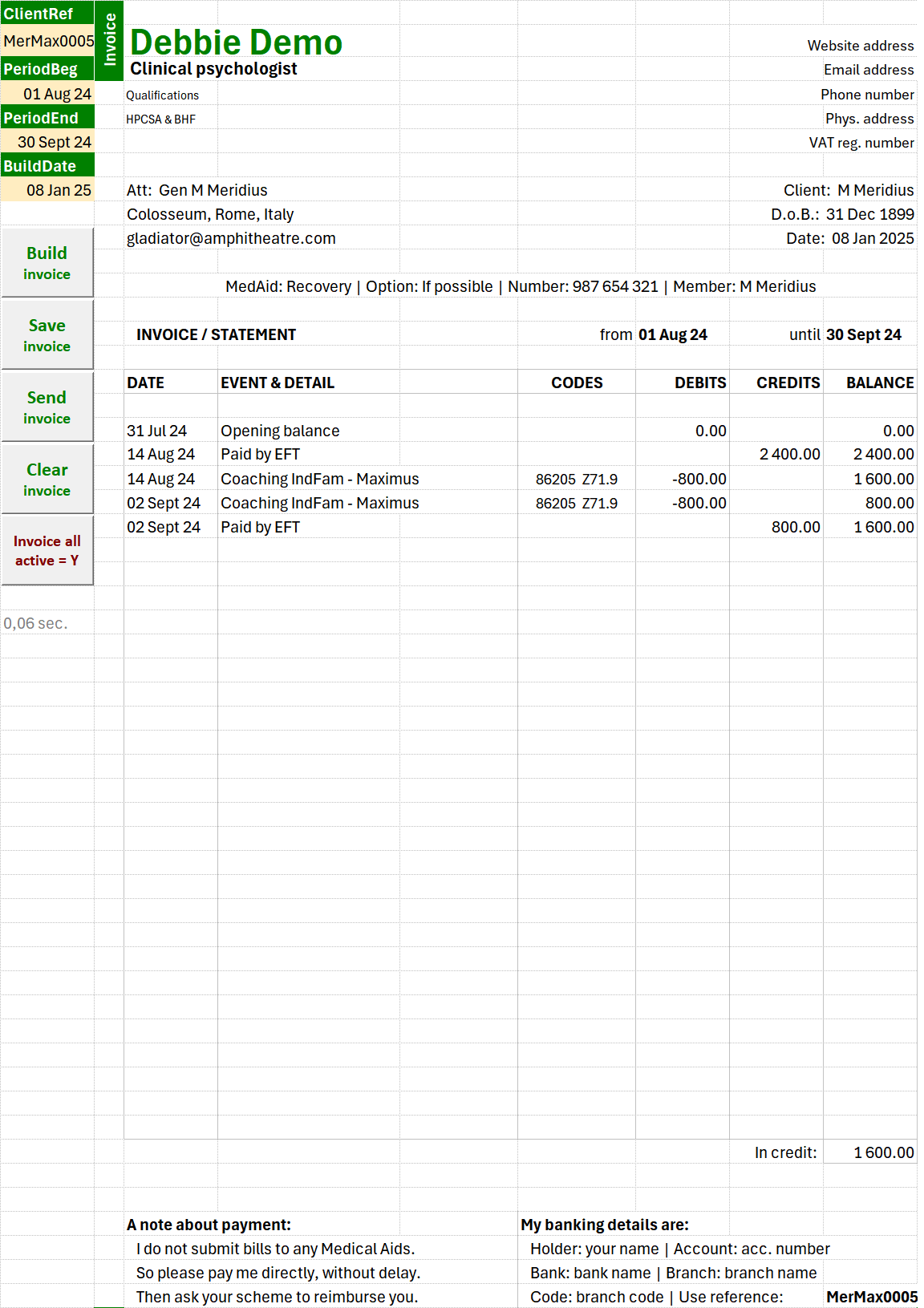
6. Invoices tab, with input controls, and draft output
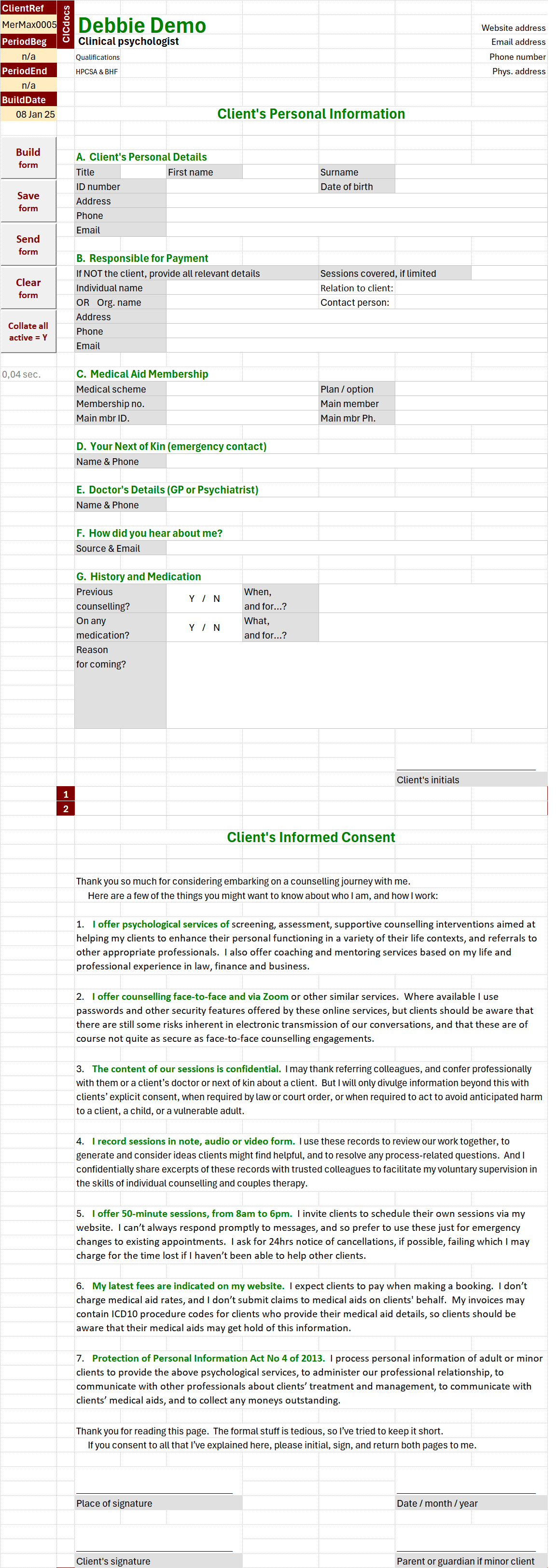
7. Forms tab, with input controls, and draft output
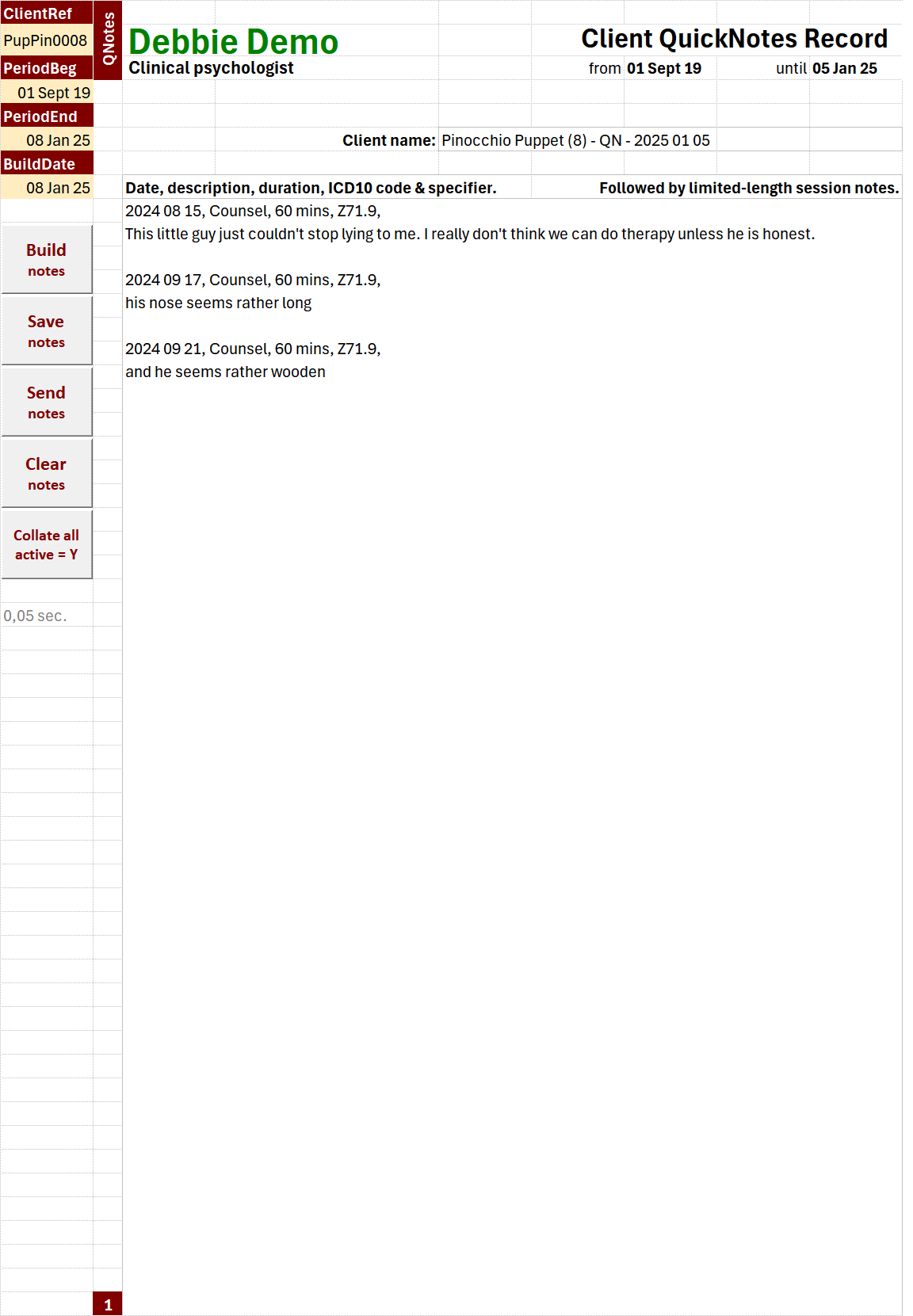
8. Notes tab, with input controls, and draft output
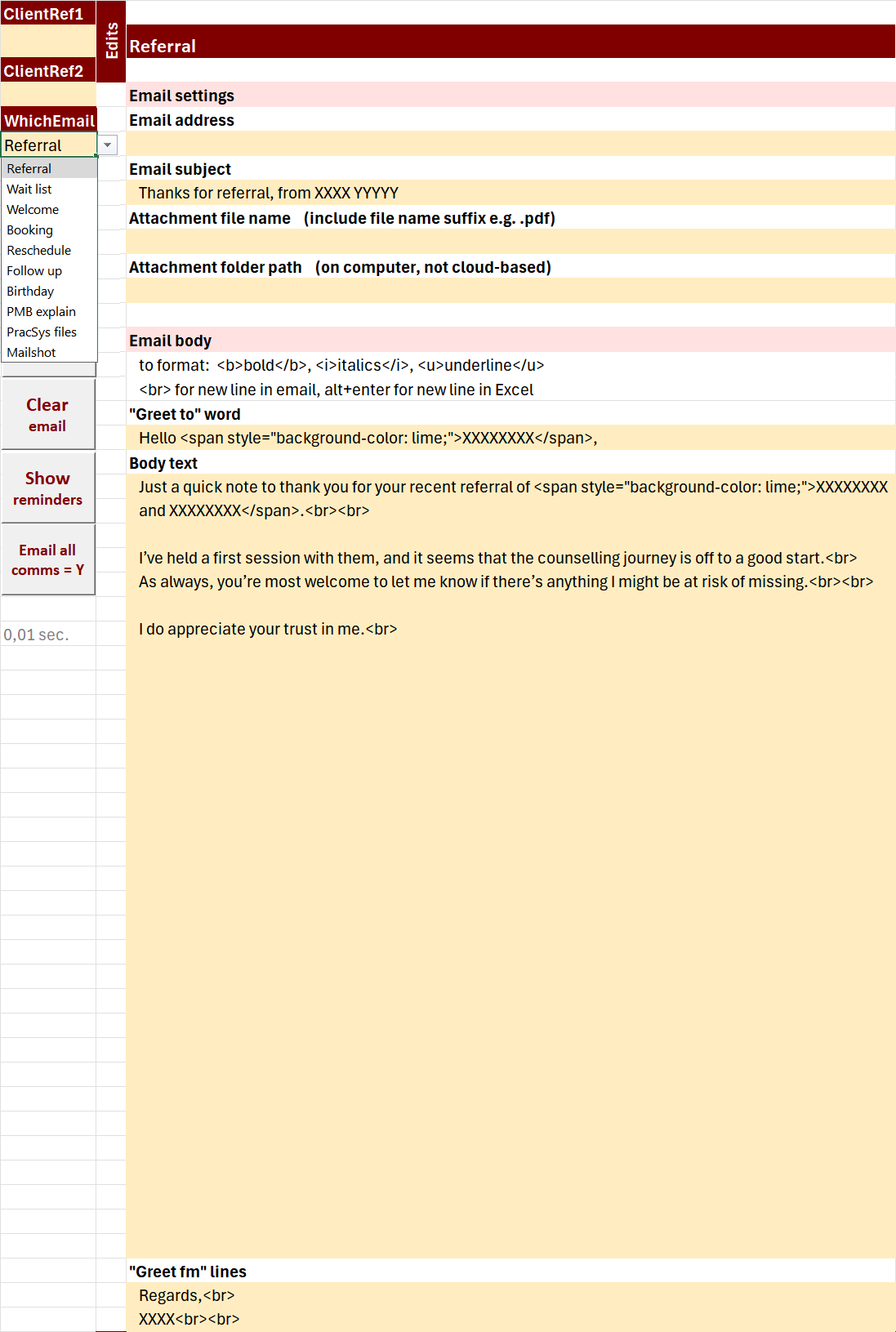
9. Emails tab, with input controls, and draft output
(and drop-down list of author’s 10 email templates)
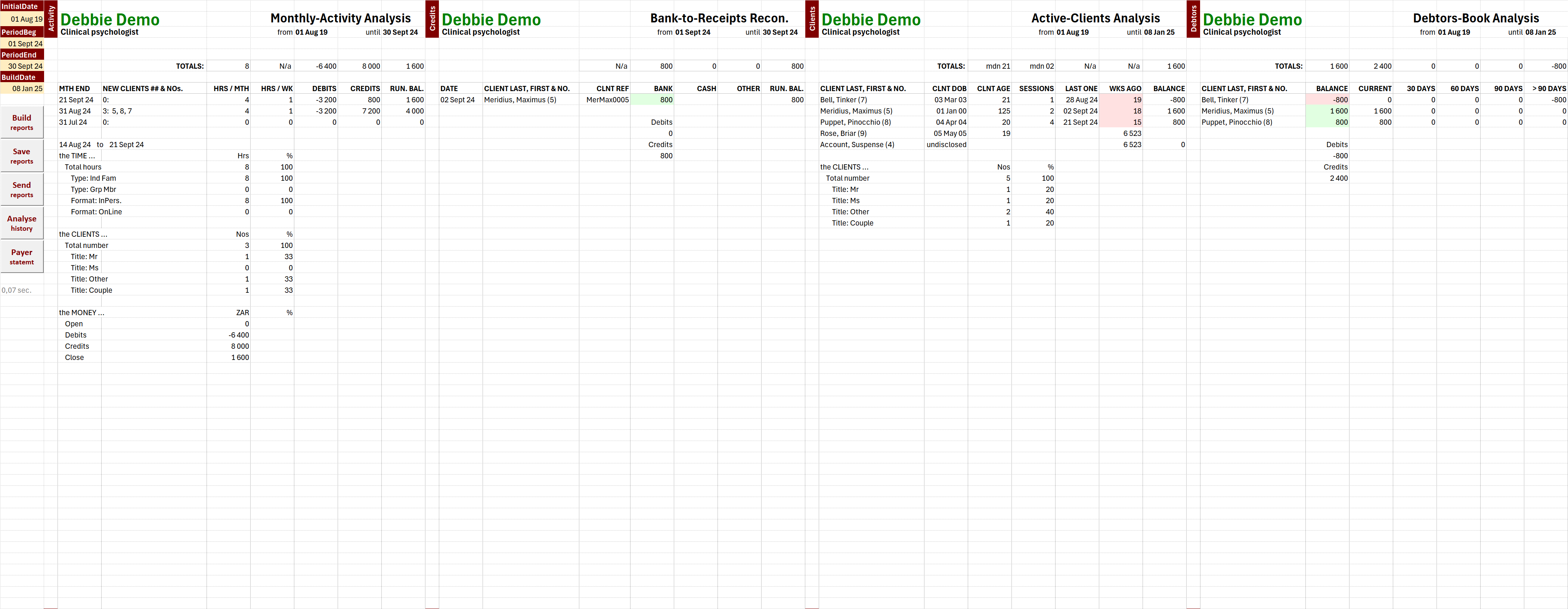
10. Reports tab, with input controls, and draft output